



This is a paid app. Prices, payment and refunds are handled by the developer on their own site; AppKade doesn’t process payments.
Overview
Open links in the browser or profile you actually want. A quick choice for work, personal, and everything in between
Browter is a paid browser Selector for Windows, made in Sri Lanka by K2V Software Solutions.
Choose the browser and profile for your links with a quick keyboard gesture.
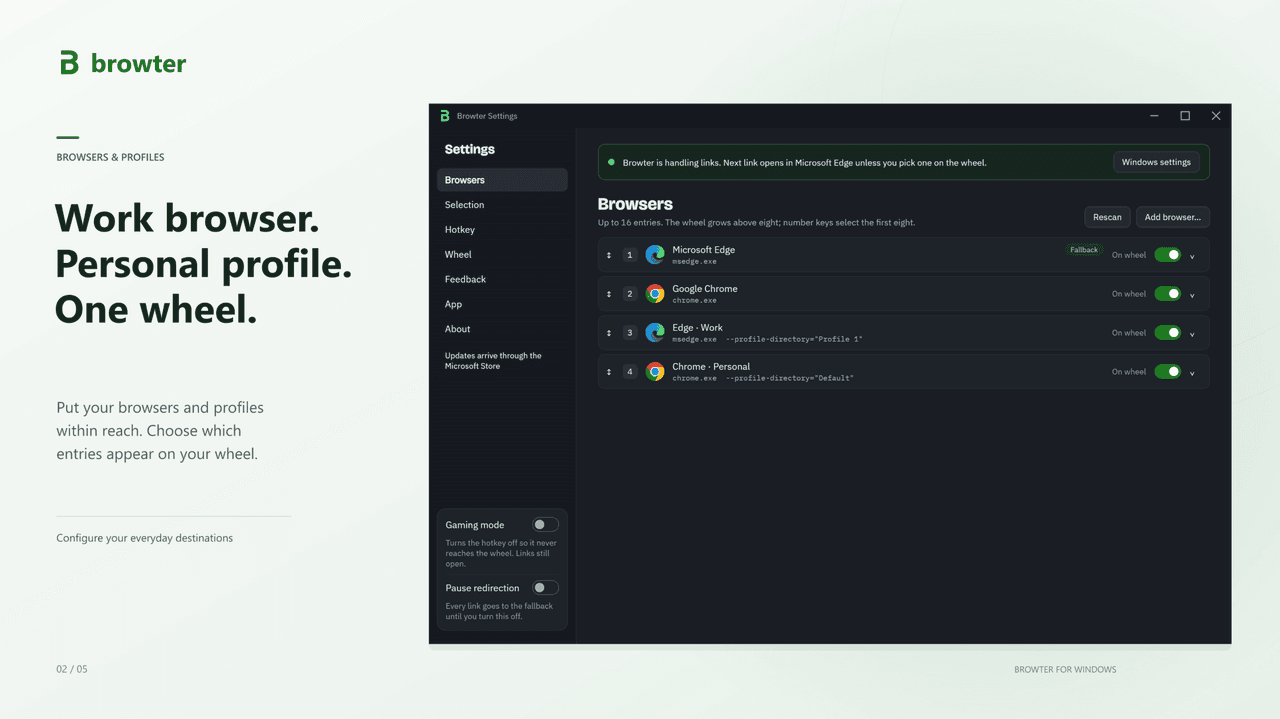
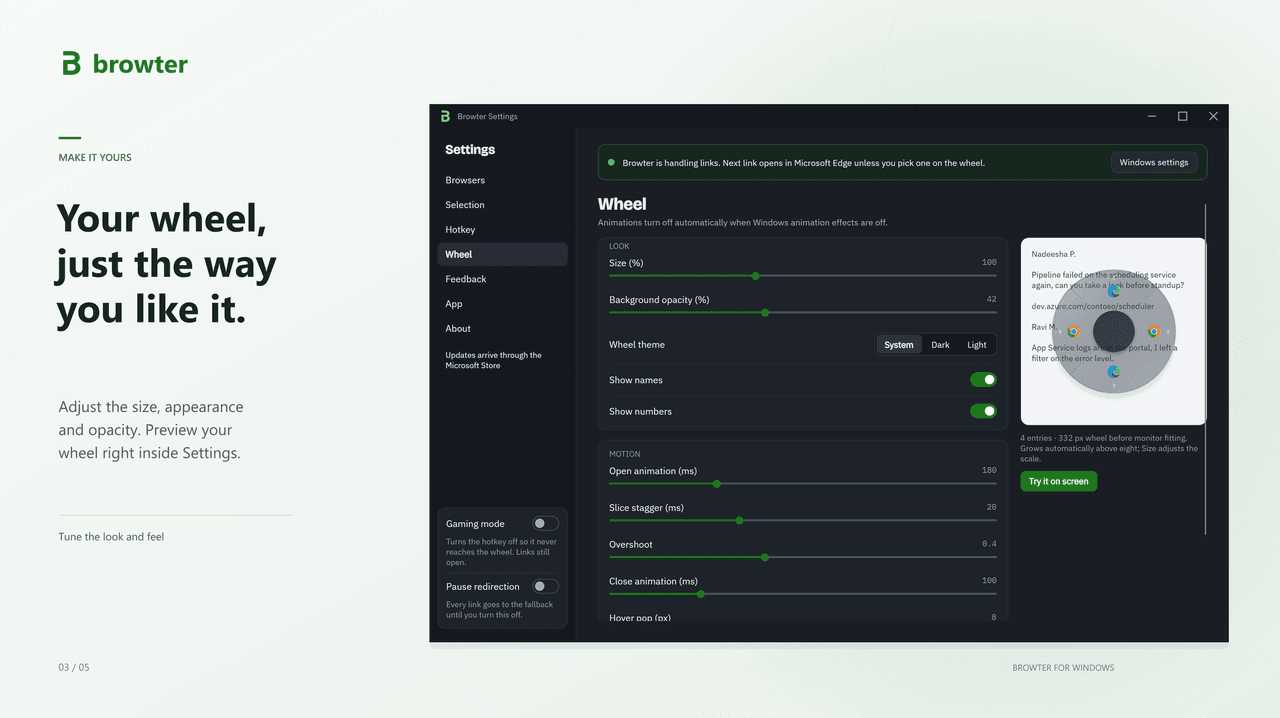
Browter helps you open links in the browser and profile you choose. Set Browter as your default browser in Windows, choose a fallback browser, and add your favorite browsers and profiles to its selection wheel.
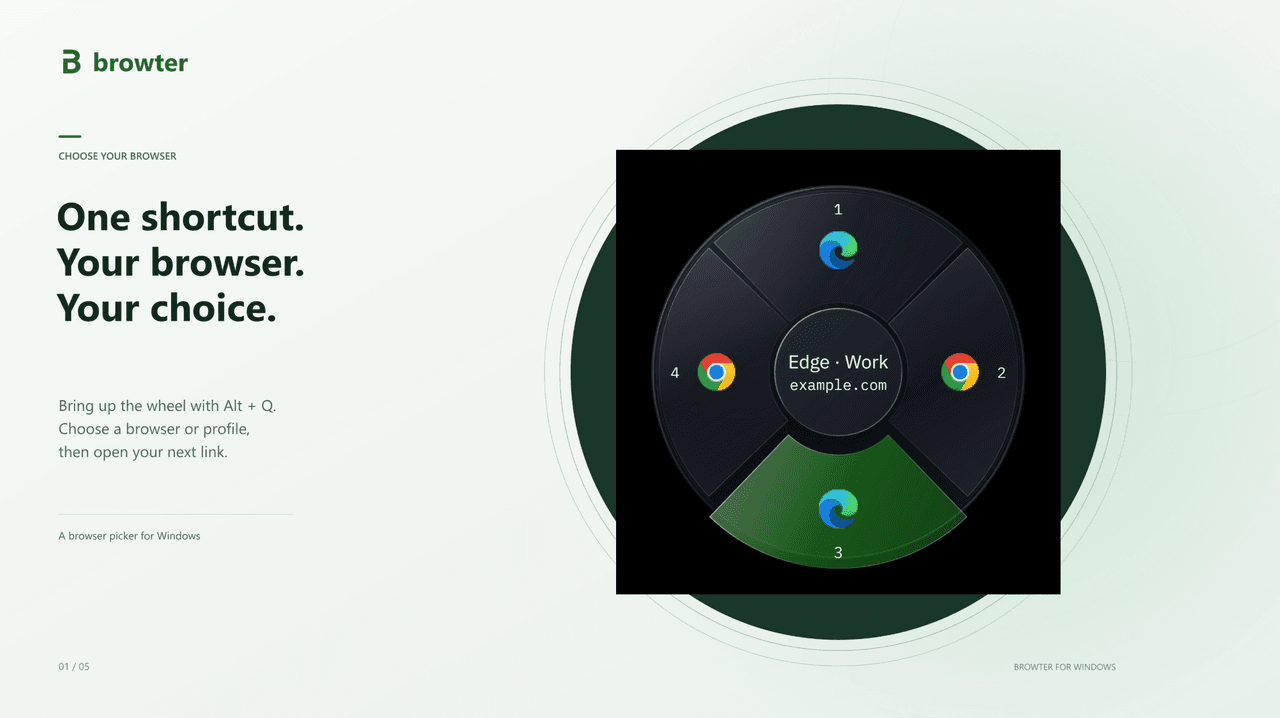
Hold your configured shortcut, move toward a browser, and release to select it. The next link opens in that browser. You can also use sticky selection when you want several links to open in the same place. When no selection is active, Browter sends links to your fallback browser.
Keep work and personal browsing separate, organise browser profiles, and reopen recent links when you choose to keep a local history. Browter keeps settings, recent links and diagnostic files on your device. Windows handles Store licensing and purchases; the browsers you launch handle the destinations you open.
Browter requires an installed browser. It forwards links rather than rendering web pages. Settings remain available after the trial ends, and links continue to open in your fallback browser
Details
- Category
- Productivity
- Pricing
- Paid, with a free trialFrom LKR 500$1.49 for Sri Lanka
- Where it runs
- Windows
- Made for
- Individuals, Developers
- Languages
- English
- Developer
- K2V Software Solutions
- Listed on
- 20 October 2026
Reviewed by AppKade, last on 20 October 2026. A review is not an endorsement or a security audit. The app is sold and supported by its developer; AppKade doesn’t process purchases. Need help? Contact support . Something wrong? . How reviews work
Reviews
How reviews workNo reviews yet. Reviews on AppKade come only from buyers who contacted the developer about Browter, and each one is checked before it’s published.
Questions and answers
Does Browter work with every link?
From K2V Software Solutions
Browter handles links passed to it through Windows or another app. Navigation inside browsers and embedded web views may stay in that app. You may need to enable the source app's external-browser option.
Can I choose a browser profile?
From K2V Software Solutions
Supported browser profiles can appear as separate choices. Selecting a profile uses that profile's existing browser session; Browter does not create accounts or sign you into websites.
Can I turn recent links off?
From K2V Software Solutions
Yes. You can clear recent links or turn recording off. This does not erase browser history, clipboard contents, or other local recovery and diagnostic records.
Updates
Every change to this listing is checked by AppKade before it goes live.
Added FAQ, New Screenshot
Changed: screenshots and video, pricing, questions and answers, links.
Listed on AppKade.
Contact the developer
Ask about Browter
Your message goes to the developer, who handles the sale and support. Before you pay, read how to stay safe.
Similar apps
Other apps for the same job as Browter.




Can't find the app you need?
Build it and list it on AppKade. We help independent developers get their apps in front of the people who need them.
List your app