Apps that keep your data on your phone or computer
Chosen and written by AppKade · Updated

Many apps send everything you do to a company's servers. These ones don't need to. Each is made by a Sri Lankan developer, and each says plainly on its listing that your data stays on your own phone or computer: your photos, notes, files, fuel records or Wi-Fi readings.
That matters for more than privacy. An app that works on your device keeps working when the internet is slow or off, does not lose your records if the company behind it closes, and does not need you to create yet another account. Sri Lanka's Personal Data Protection Act also asks businesses to collect only the personal data they need, and these apps start from collecting none.
They do very different jobs: logging fuel from your bank SMS, finding Wi-Fi dead spots, putting your photos on a map, moving large files between a phone and a laptop without using mobile data, and taking notes. What they share is where your data lives.
Each note says what the listing states about storage. Read each app's own privacy details, and check the permissions it asks for, before you install it.
1. Fuel Tracker
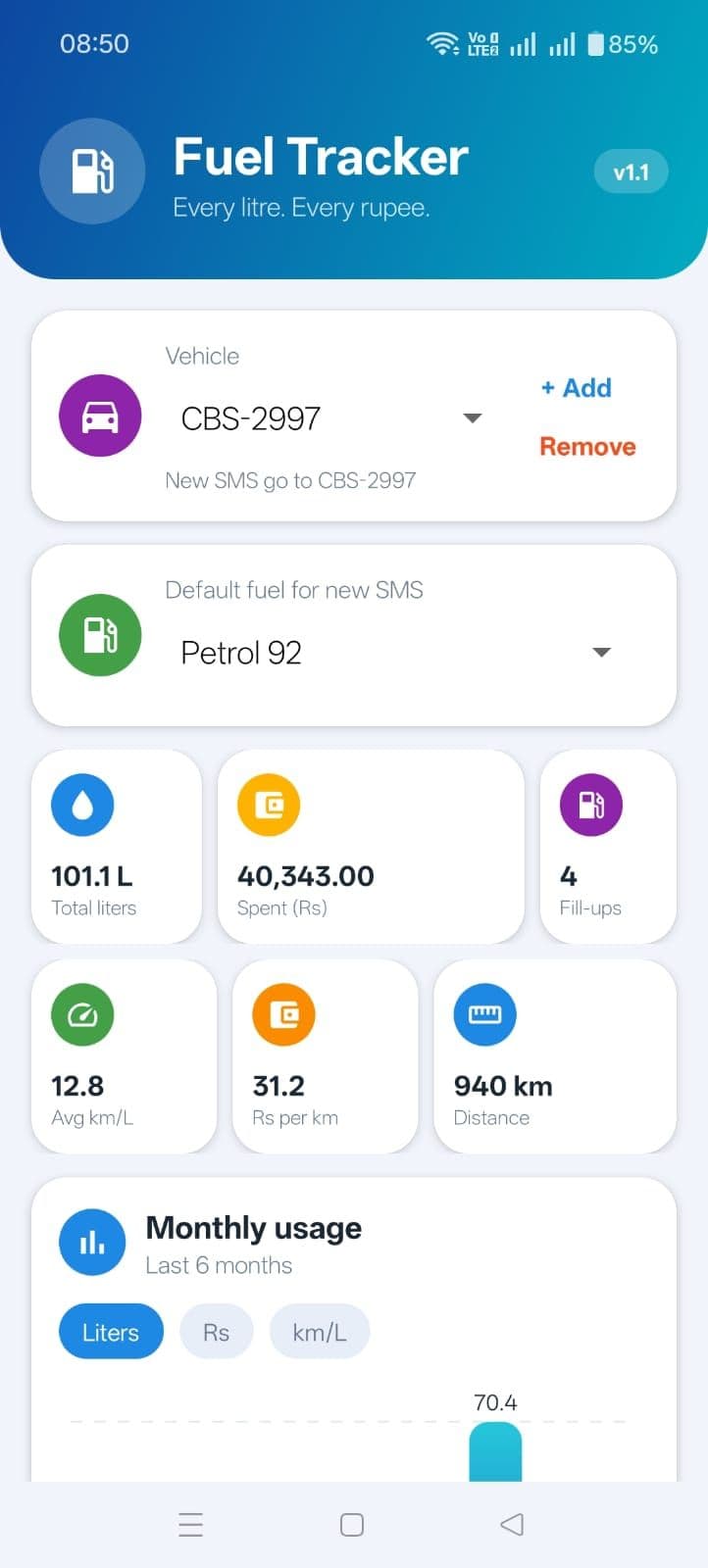
A free fuel log for Android that reads your bank or card SMS alerts and works out litres from the CEYPETCO price on the day. Records stay on the phone, with no account or cloud; its only network request fetches public fuel prices.
2. Alpha NetScope
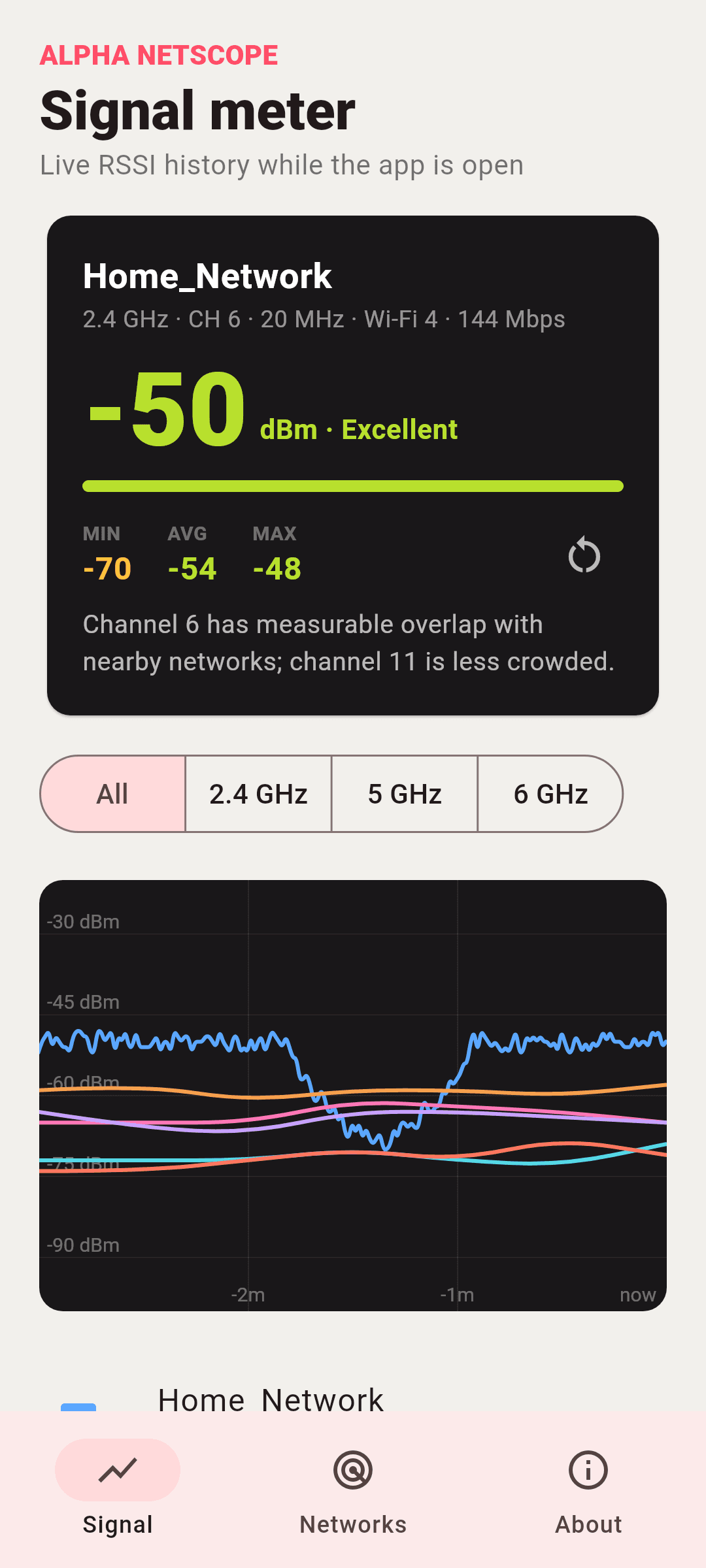
A Wi-Fi signal meter for Android that shows signal strength room by room and which channels are crowded. It needs no account or internet connection, has no analytics, and keeps readings in memory only while the app is open.
3. GeoFrame - Photo Location Map
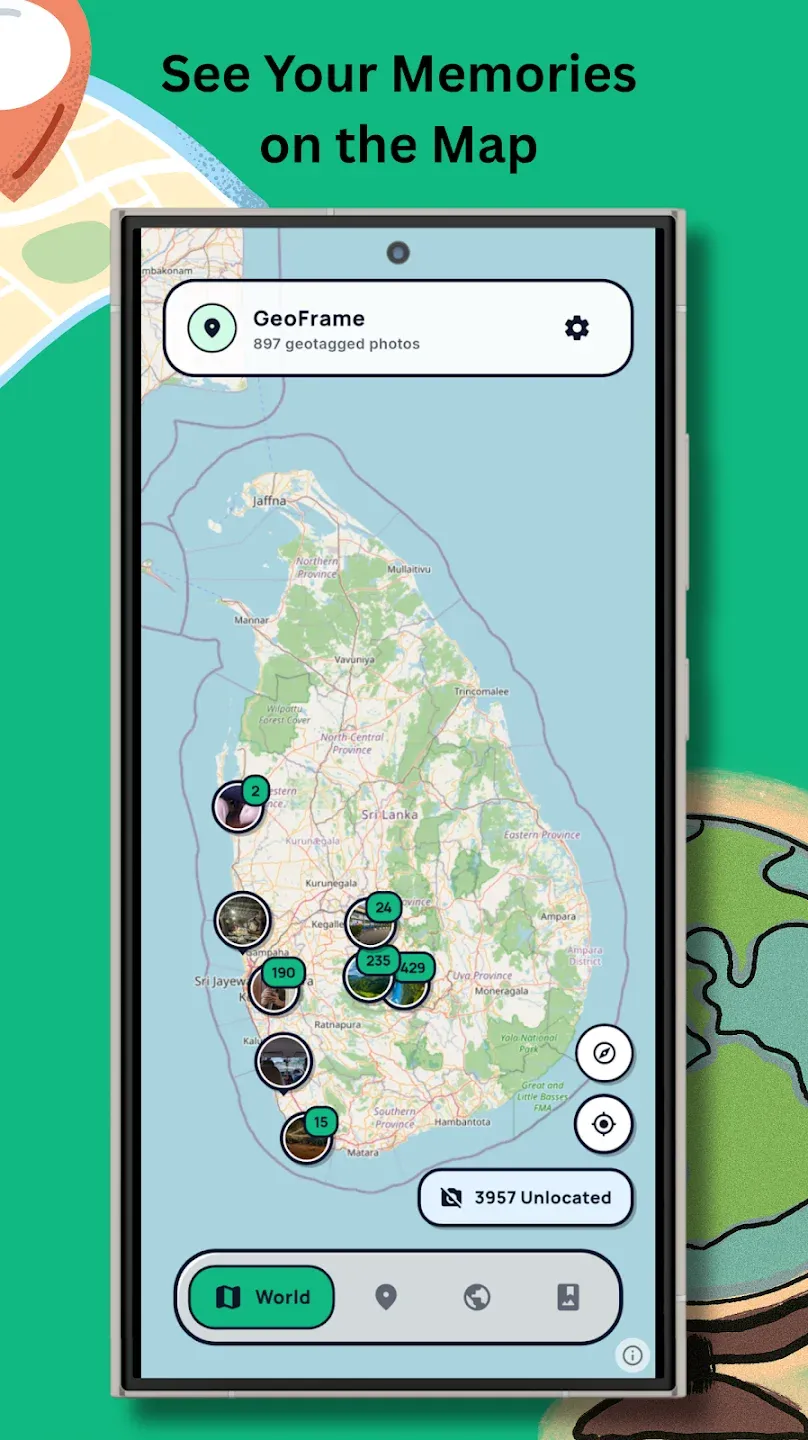
Puts your photos on a map using the location saved in each picture, and lets you pin older photos by hand. The scanning and the map run on the phone, and photos are not uploaded to any server.
4. LK QuickShare
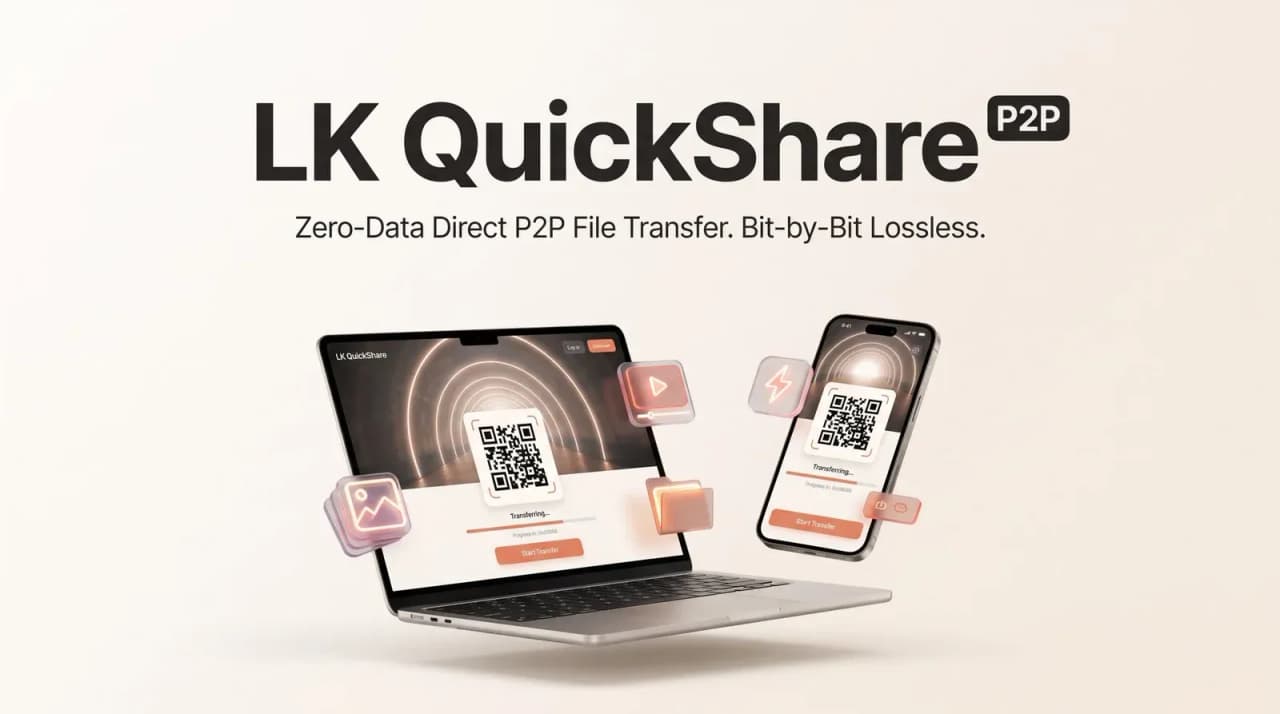
Sends files, folders and large videos between a phone and a computer over local Wi-Fi, in the browser, with no app to install and no sign-up. Files go directly between the two devices, not through a server, so no mobile data is used.
5. Nute
A simple notes app for the computer. Notes are saved locally, work offline and stay private by default; an optional account adds syncing across devices.






AppKade chooses the apps in its collections and writes the notes itself. Developers don’t pay to be included, and every app was reviewed before it was listed. Prices and features can change, so check with the developer before you buy.

Can’t find the app you need?
Build it and list it on AppKade. We help independent developers get their apps in front of the people who need them.
List your app